Your theme decides what your blog index, category archives, tag pages and search results look like, and usually gives you nowhere to put your own content on them. Kayce Custom Archive Sections lets you write that content as ordinary WordPress posts and choose exactly which pages they appear on, above or below the posts.
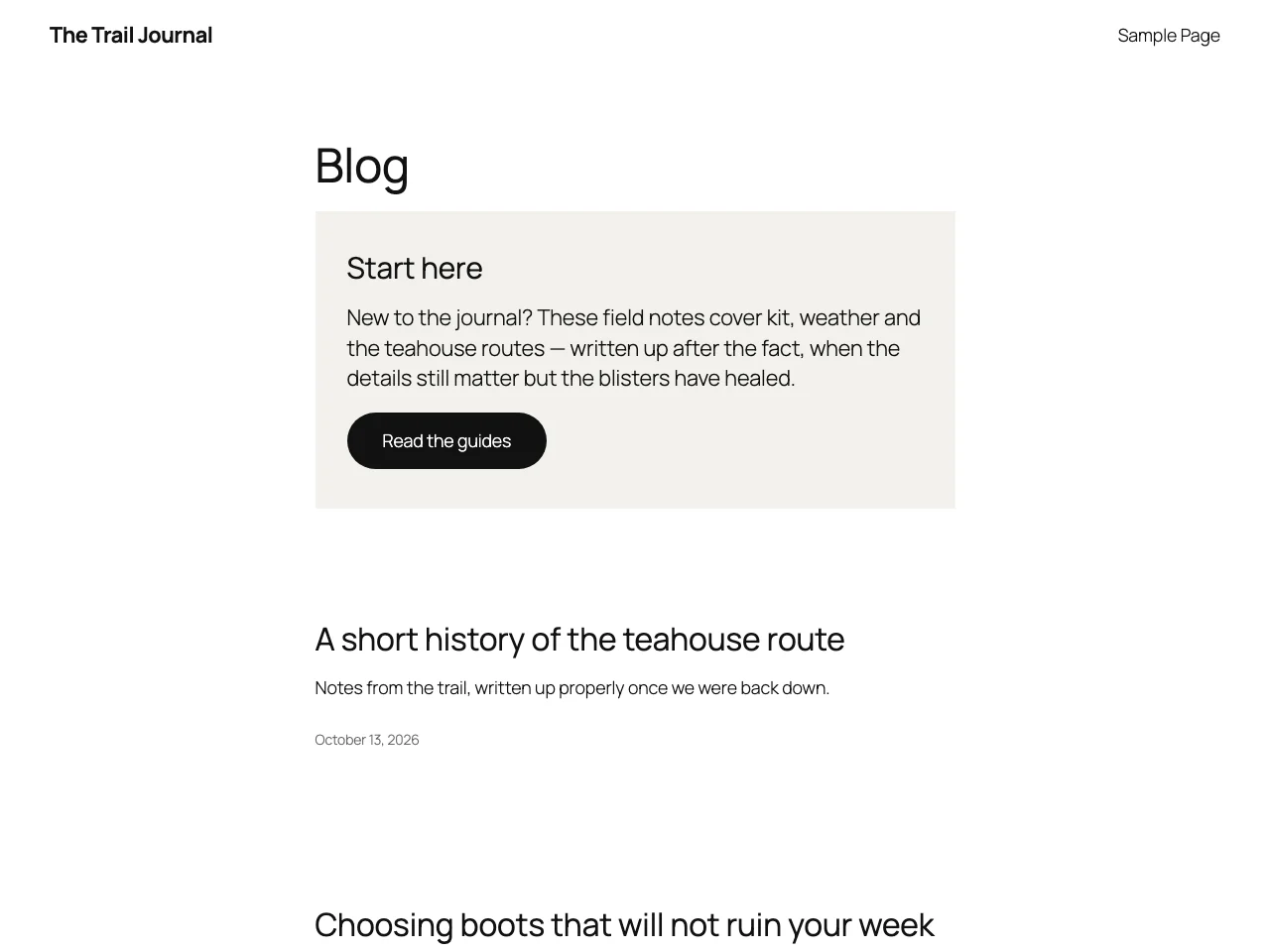
Why use it?
No theme edits
Nothing is hard-coded into your theme, so nothing breaks or disappears when the theme updates.
Design with blocks
Each section is a normal post. Build it with the block editor or Elementor.
Precise targeting
Blog index, categories, tags, authors, search, dates, custom post types and custom taxonomies, all or only specific ones.
Show it to the right people
Before or after the posts, by login state, user role, device and date range.
Typical uses
- A newsletter sign-up below the blog feed.
- A disclaimer at the top of one category.
- A seasonal banner that switches itself off on a set date.
- Different content for logged-in members and public visitors.
- Extra help on search results pages.
Requirements
| Minimum | |
|---|---|
| WordPress | 6.0 |
| PHP | 7.4 |
| Themes | Classic and block (Full Site Editing) themes |
Where to start
- Install the plugin.
- Create your first section.
- Learn every location and display control.
The plugin is free on WordPress.org.