- Go to Archive Sections → Add New.
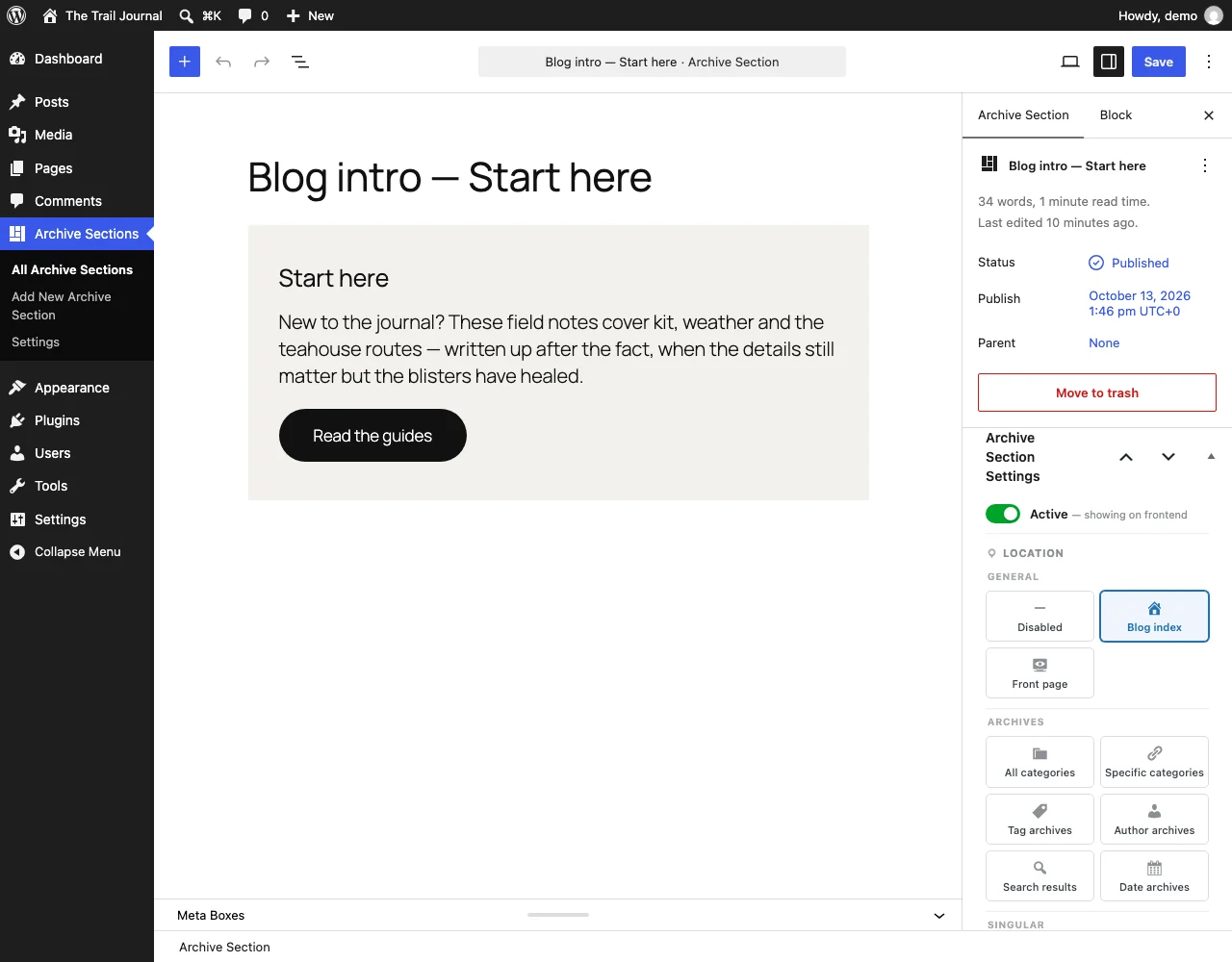
- Write or design your section in the block editor (or Elementor), just like a post.
- In the Archive Section Settings panel, choose a Location, for example Blog index. See Locations for every option.
- Choose the Position: before or after the posts.
- Make sure Active is ticked.
- Click Publish, then visit the page you targeted.
Tip: Use the Preview link in the settings panel to jump straight to a page where the section appears.