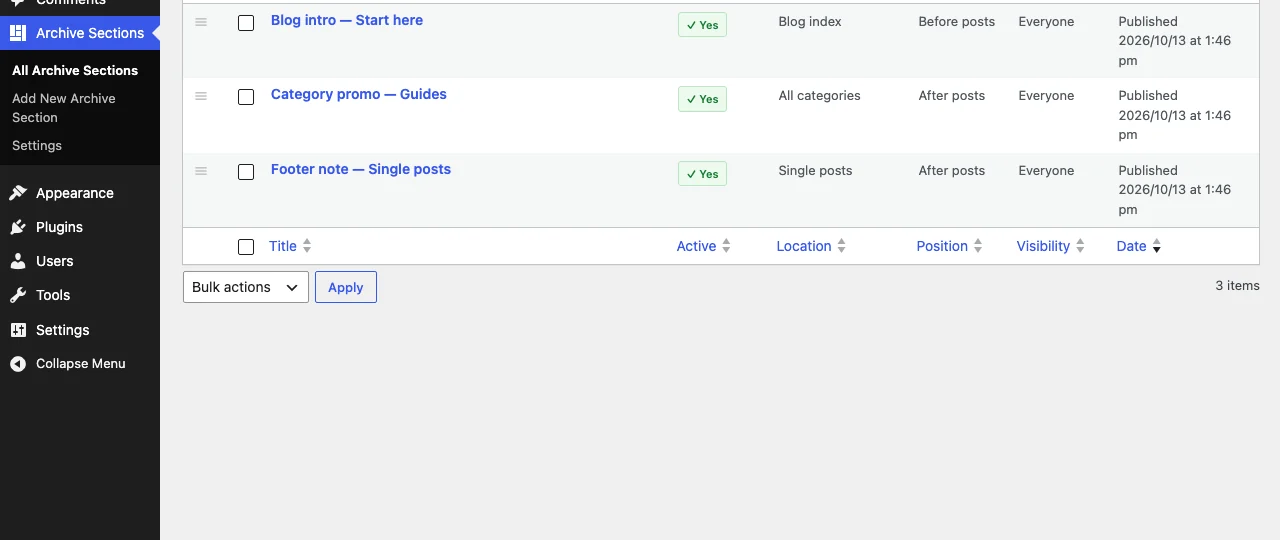
- Columns: Active, Location, Position and Visibility show where each section appears and to whom.
- Reorder: drag the ☰ handle. The order saves straight away. You can also use the Order field in the editor’s Page Attributes panel (lower numbers first).
- Duplicate: hover a section and click Duplicate to copy it, with all its settings, as a draft.
- Preview: the Preview link in the settings panel opens a matching page.